
This is exactly how I create better-looking apps with AI.
My complete workflow, no gatekeeping 🧵


Breeje Anadkat
@BreejeAnadkat
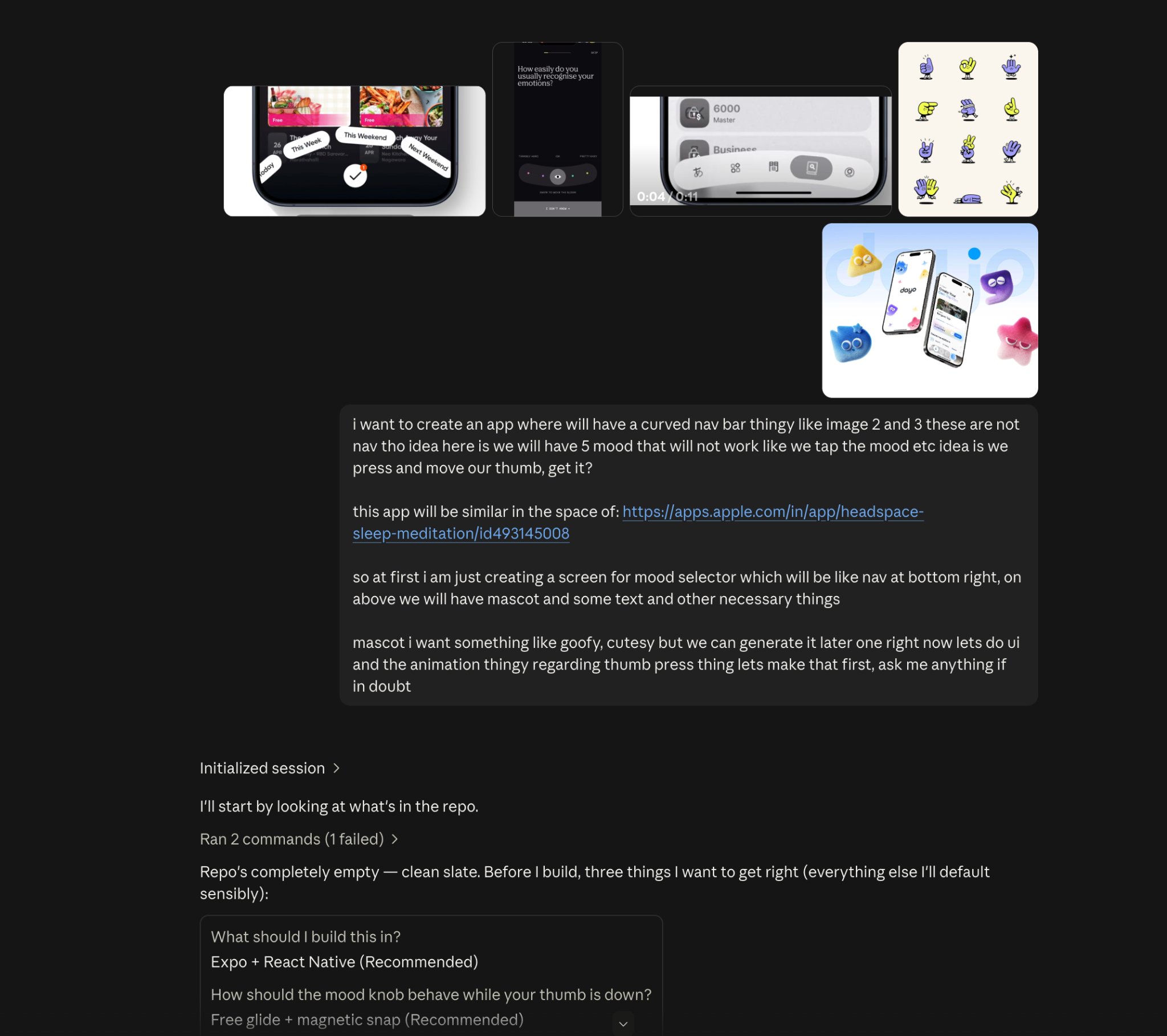
1. I start with references, not prompts.
I surf around, collect anything that sparks an idea, then dump the references and my rough thoughts into Claude or ChatGPT.
Sometimes Claude cooks. Sometimes ChatGPT does. I use whichever understands the vision better.
I surf around, collect anything that sparks an idea, then dump the references and my rough thoughts into Claude or ChatGPT.
Sometimes Claude cooks. Sometimes ChatGPT does. I use whichever understands the vision better.
11:00 AM UTC · Sep 12, 2026 · 19.9K Views
24108122

Breeje Anadkat
@BreejeAnadkat
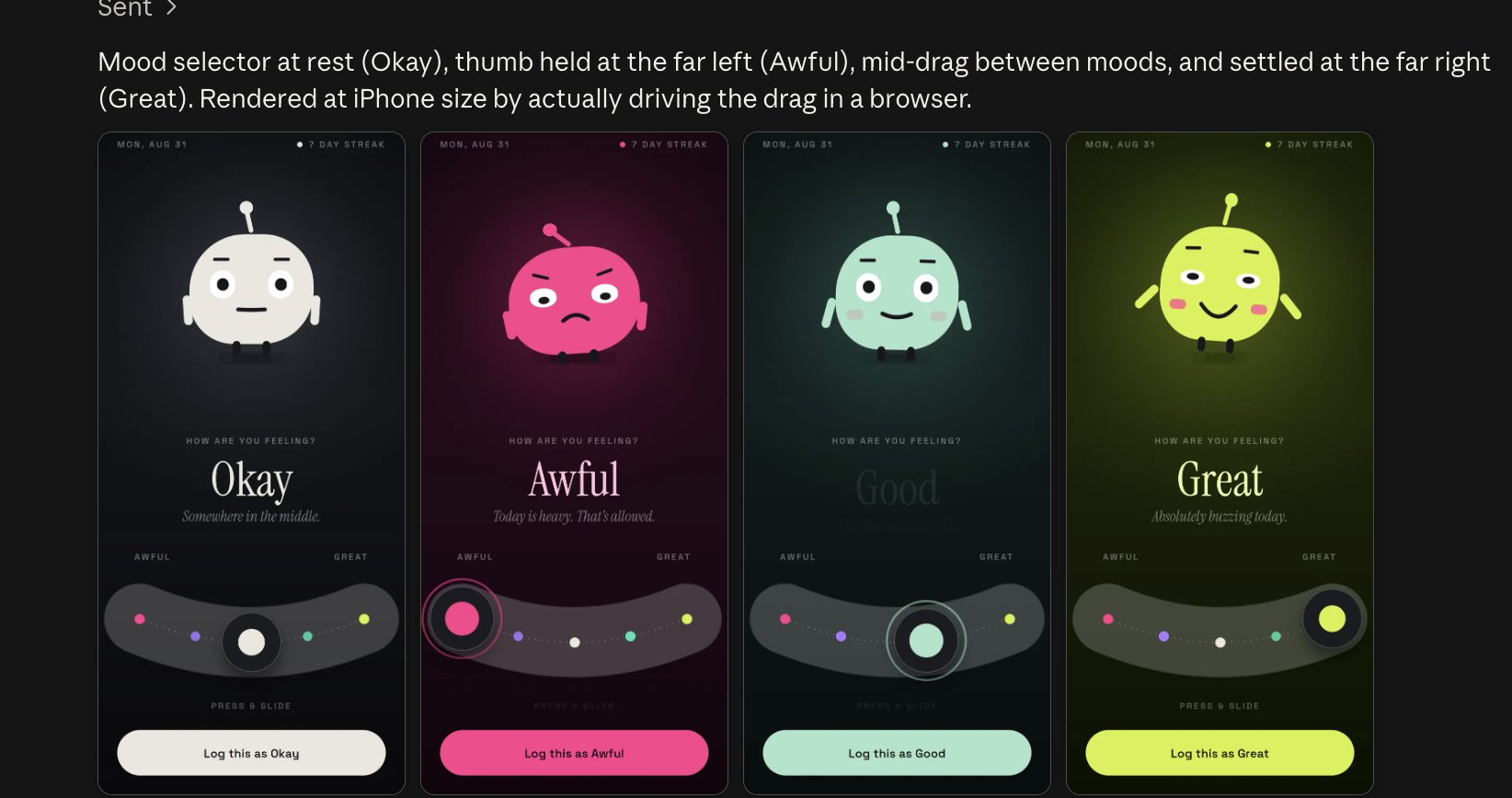
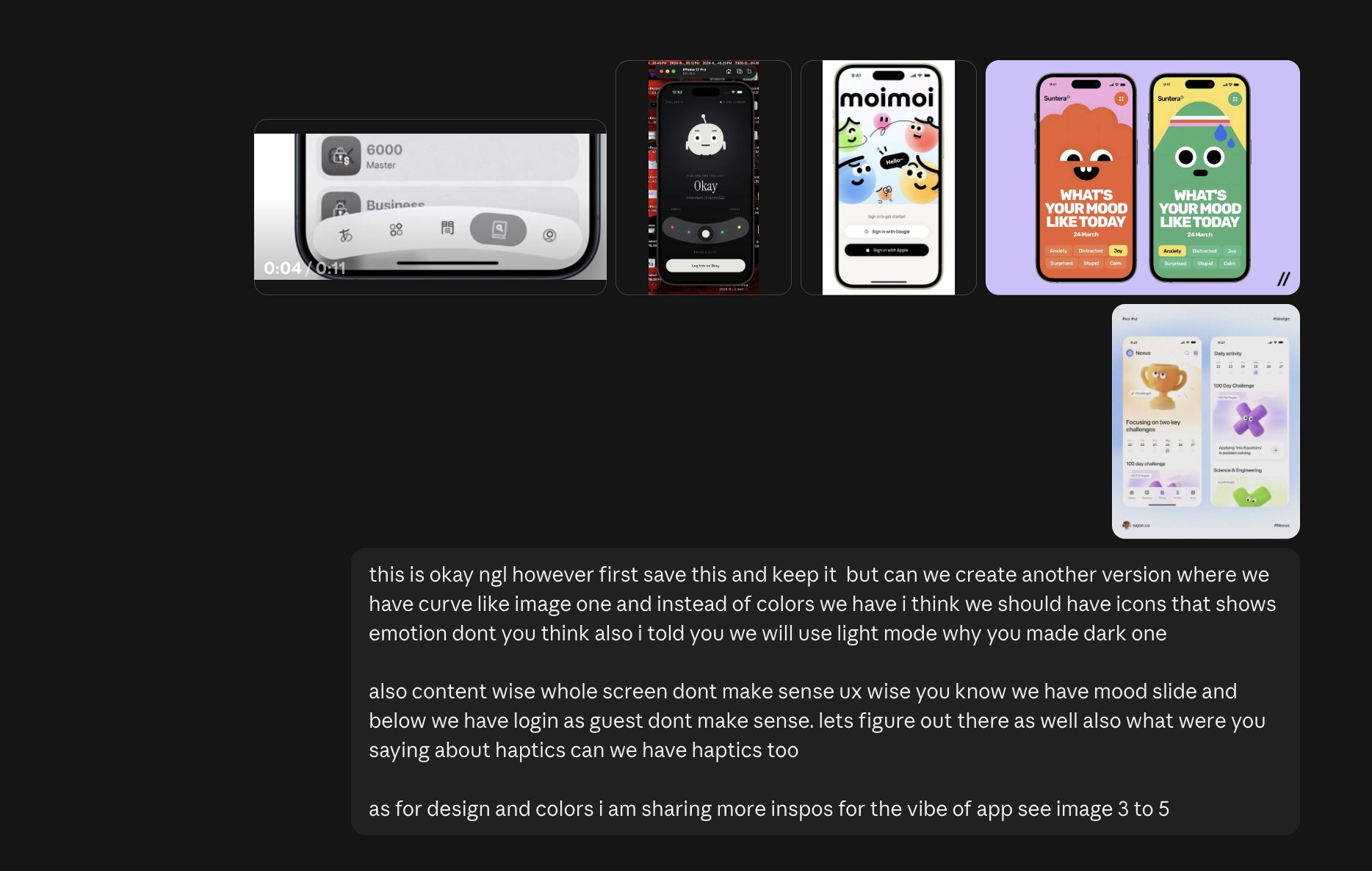
2. The first draft is never the final design.
Once it’s built, I get specific about what feels wrong: the layout, UX, colors, interactions, everything.
AI gives you a draft. Your taste and feedback are what make it good.
Once it’s built, I get specific about what feels wrong: the layout, UX, colors, interactions, everything.
AI gives you a draft. Your taste and feedback are what make it good.
11:01 AM UTC · Sep 12, 2026 · 17.7K Views
115639

Breeje Anadkat
@BreejeAnadkat
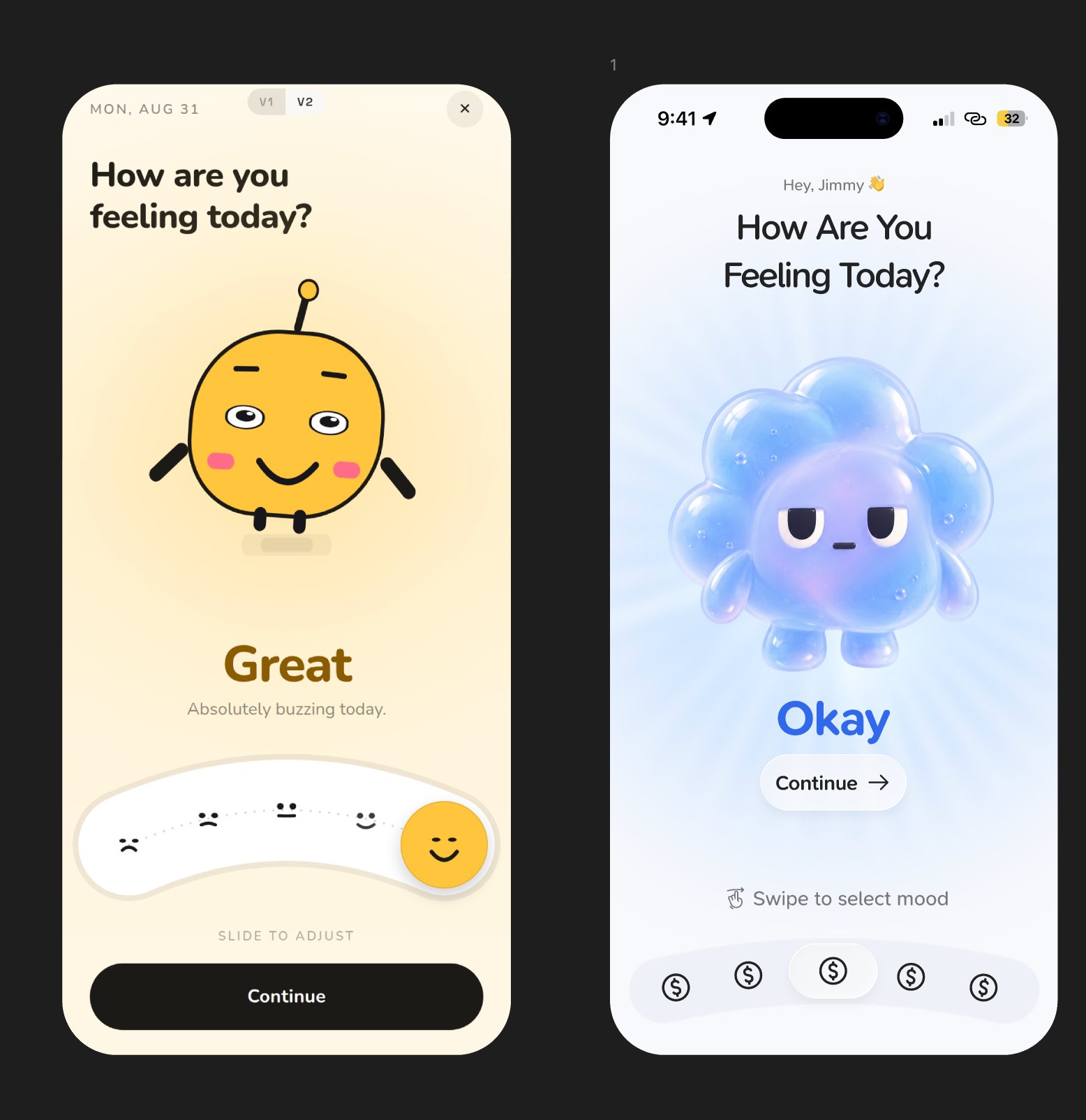
3. Then I take it into Figma.
This is where I add the actual taste: refining the UI, fixing the UX, improving the hierarchy and making everything feel intentional.
AI gets me close. Figma is where I make it mine.
This is where I add the actual taste: refining the UI, fixing the UX, improving the hierarchy and making everything feel intentional.
AI gets me close. Figma is where I make it mine.
11:01 AM UTC · Sep 12, 2026 · 16.7K Views
336942

Breeje Anadkat
@BreejeAnadkat
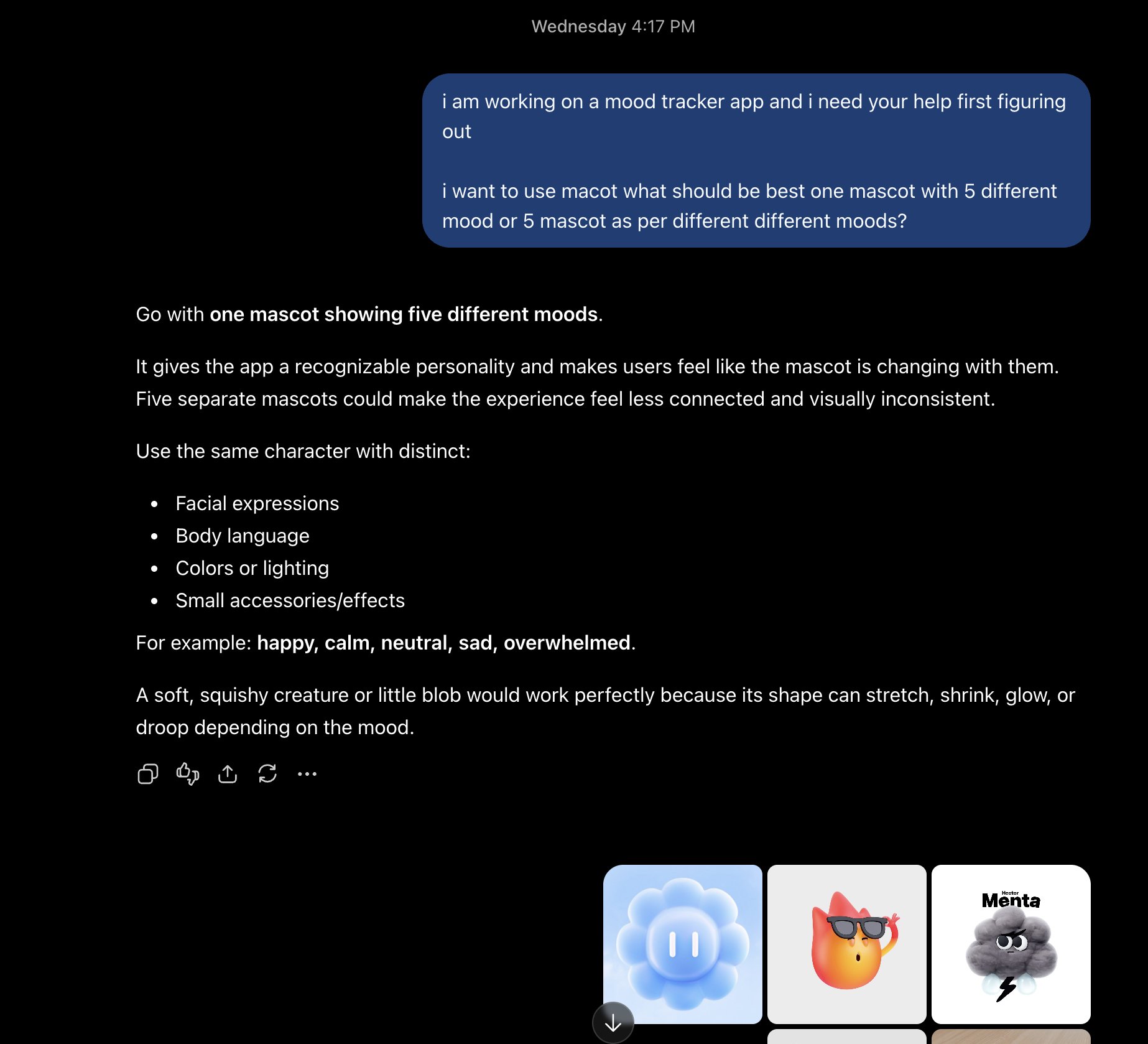
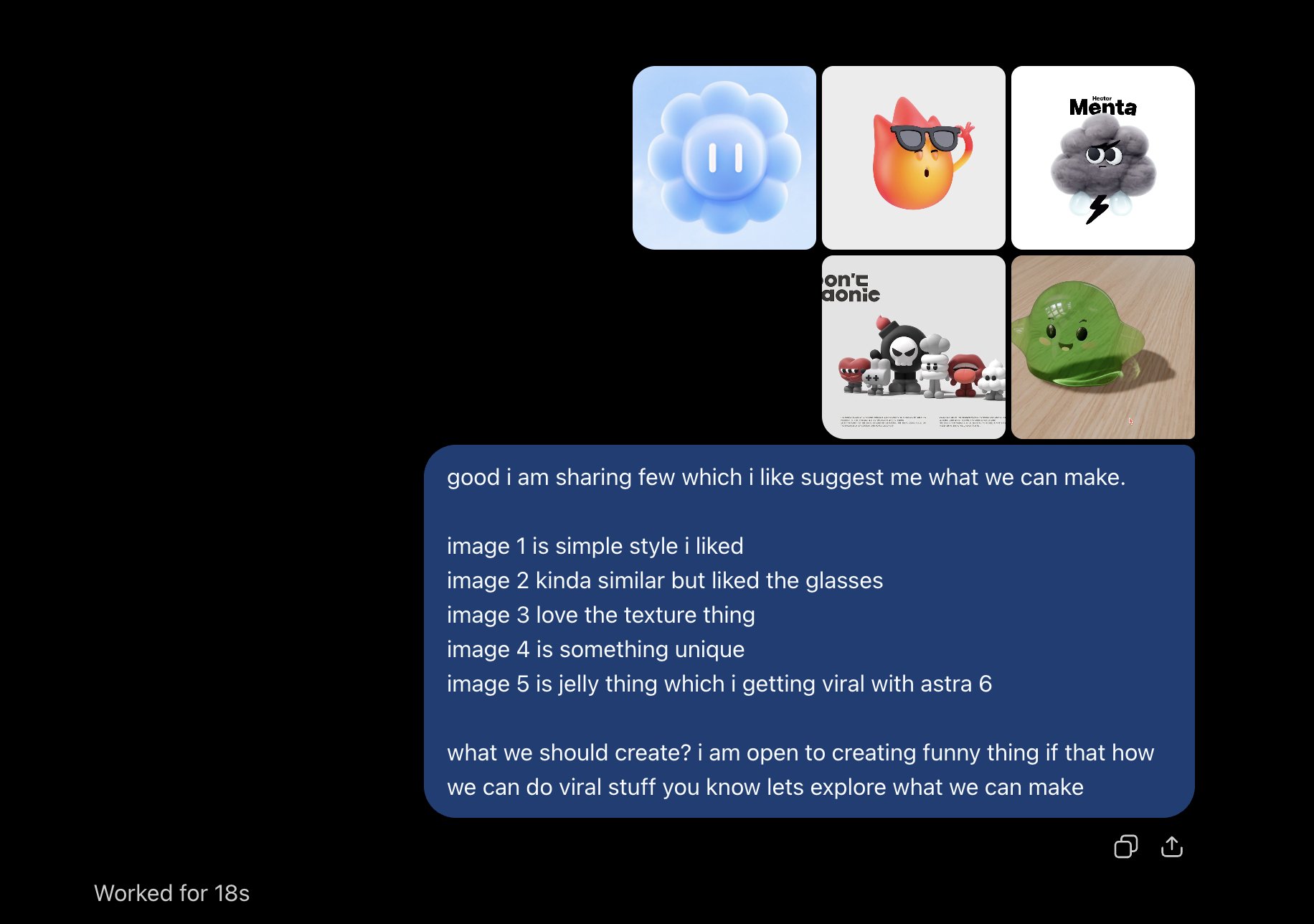
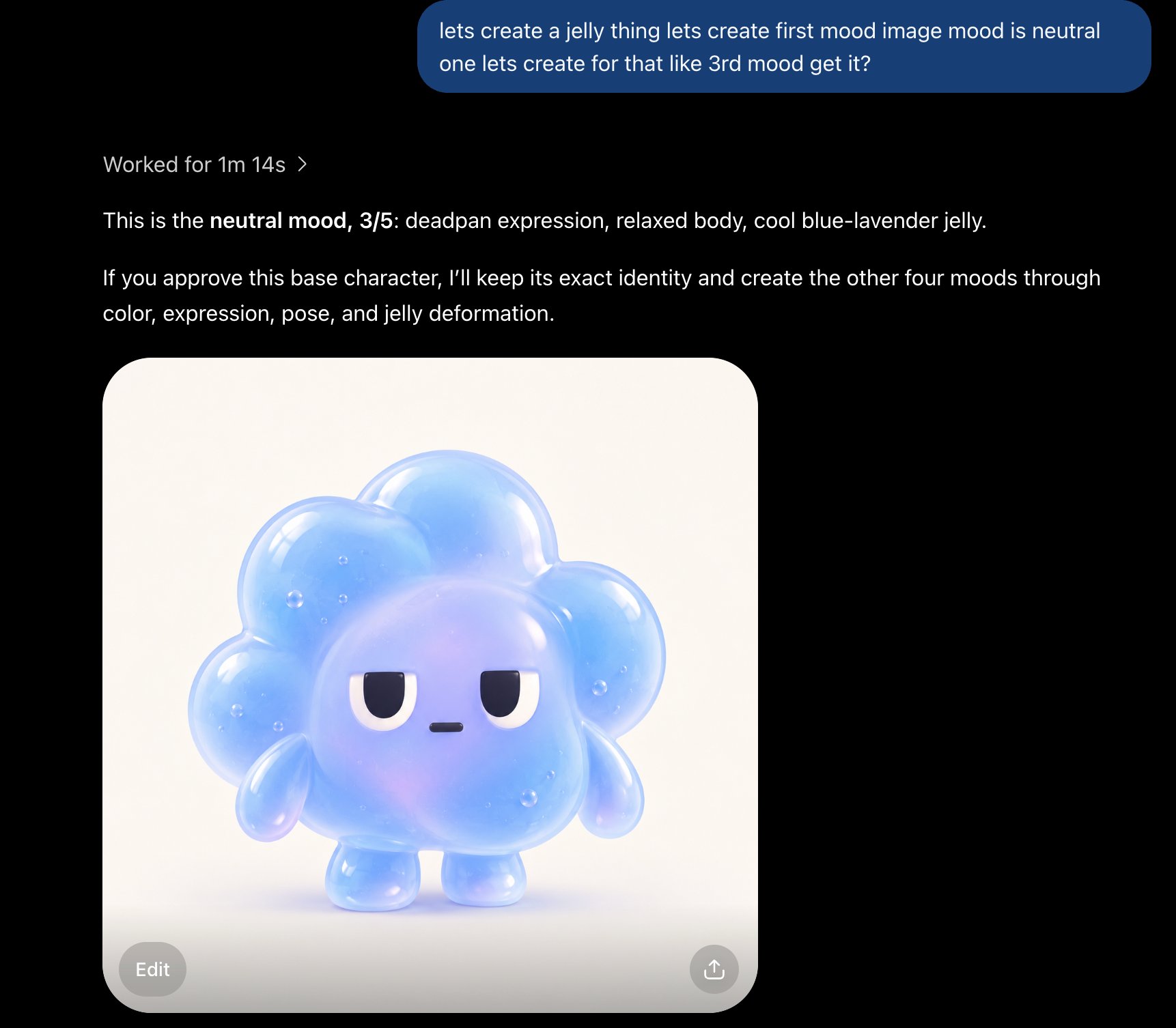
4. Treat AI like a creative partner, not just a tool.
I use it to generate visuals, explore directions and challenge my decisions.
If I’m confused, I ask for its opinion. Sometimes one simple conversation unlocks the entire design.
I use it to generate visuals, explore directions and challenge my decisions.
If I’m confused, I ask for its opinion. Sometimes one simple conversation unlocks the entire design.
11:02 AM UTC · Sep 12, 2026 · 15K Views
115029

Breeje Anadkat
@BreejeAnadkat
5. Once the design is locked, I take it back to Claude.
This time, the direction is clear. I use it to turn the polished design into an interactive, working MVP with real flows, animations and interactions.
From an idea to something you can actually use.
This time, the direction is clear. I use it to turn the polished design into an interactive, working MVP with real flows, animations and interactions.
From an idea to something you can actually use.
11:03 AM UTC · Sep 12, 2026 · 13.8K Views
203411